November 5, 2026 · 5 min read
From a Figma PDF to a Page: How a Berlin Wedding Photographer Plans the Day
Levent Şimşek of Journey of Ordinary used to design wedding plans in Figma and send them as PDFs. Now the plan is a ShareMyPage link.

- Who
- Levent Şimşek, wedding photographer, Journey of Ordinary, Berlin
- Using it since
- June 2026
- Pages
- 12, two of them wedding day plans
- What for
- the plan for each wedding day: schedule, shot list, locations, mood board
- Built with
- Claude Code
One wedding on 25 July ran through a full day. The couple's photoshoot started at 15:00, the guests arrived at 16:15, and the dance floor opened at 22:00. In between there was a photo walk with six stops and a list of group photos to arrange.
"I need to organize so many things, including the mood board, timeline, and locations," Levent says.
All of that went on one page, 16 days before the wedding. It was the first page Levent made for a couple.
By the numbers
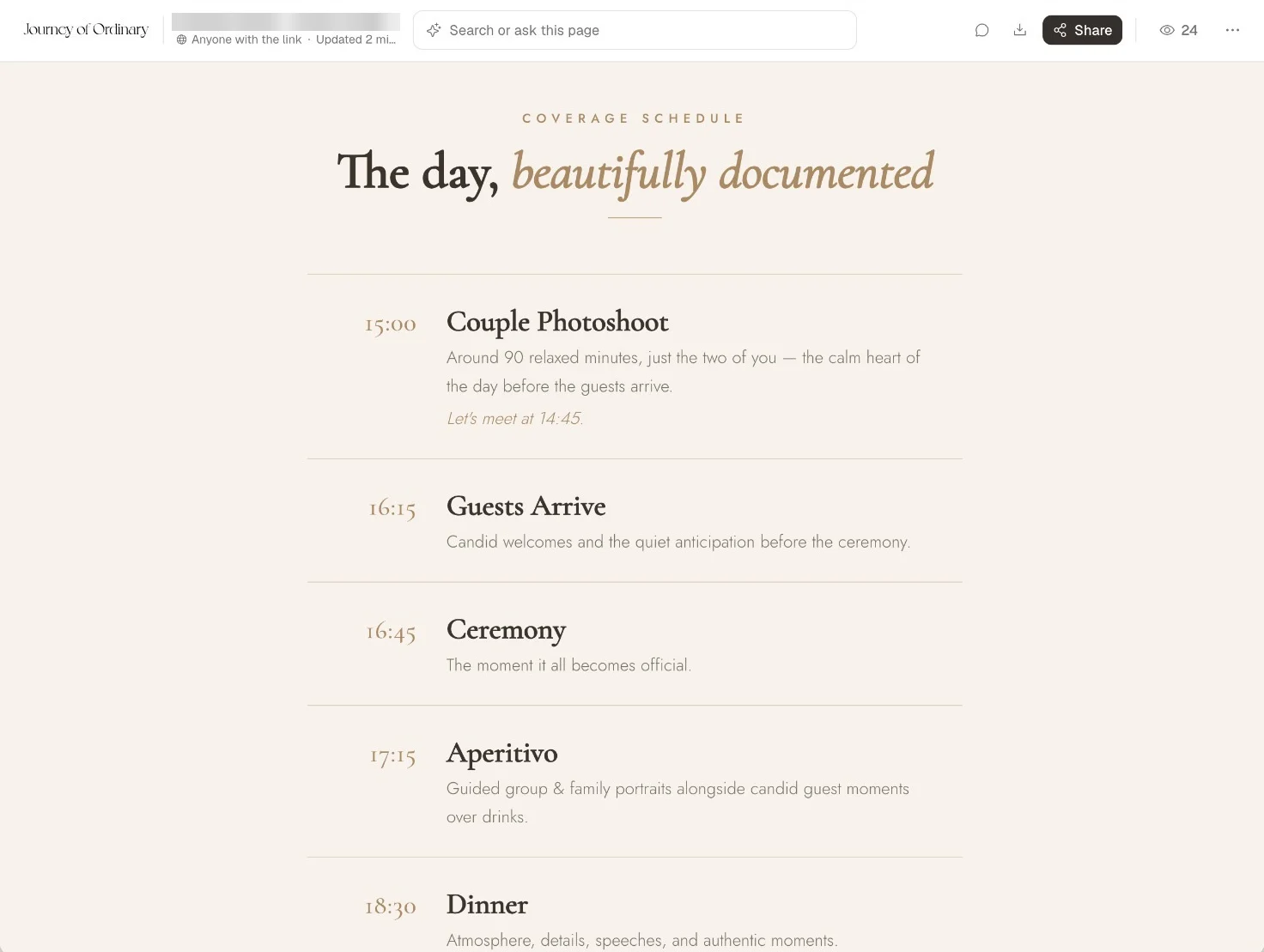
It was only a PDF
Until then, a plan like this started as a Figma file and reached the couple as an export.
"This felt so amateur to me because I was sharing a PDF, but I designed it in Figma with all the details, and then it was only a PDF."
How it looked wasn't the problem. What bothered Levent was what every change cost: "Always, I need to go to my computer and then open Figma. I need to edit all these things, export as a PDF, and then share with the customer." And at the end of all that, "Of course, it's not interactive."
Why not just send the artifact
By then the material for a plan already sat with Levent's AI: conversations, meeting notes in Granola, emails, locations and decisions. Sending a Claude artifact looked like the obvious next step, and it turned out to be the hard part.
"It was the hardest part for me," Levent says. "What happens if they are not familiar with AI design?" An artifact also didn't show whether a couple had opened it or left a comment.
So the plan went on ShareMyPage instead. Levent built it with Claude Code, and from nothing to a page ready to send took 30 minutes.
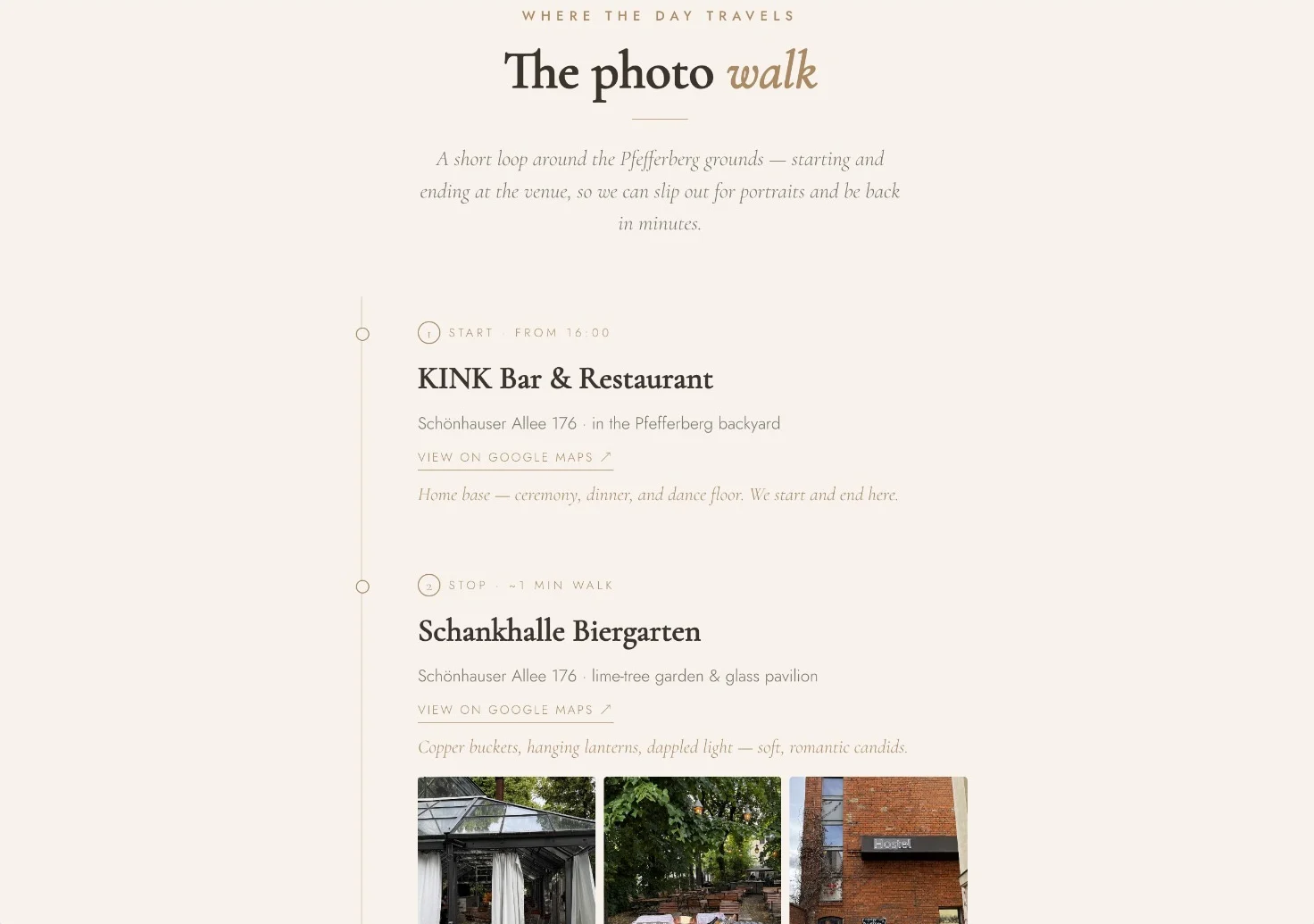
Making it is the easy part now
Plenty of people are in the same spot. Claude or ChatGPT will make you something beautiful in minutes: a plan, a proposal, a menu, a whole little website. Then you're holding an HTML file with nowhere to put it.
The usual answer is hosting, which means an account somewhere like Vercel, a project, a deploy and maybe a domain. That's a fine answer if you're a developer. Most people who just made something beautiful aren't, and they shouldn't have to become one to show it to somebody. They want to publish it and send it.
That's all ShareMyPage asks of you. Drop in the file, or tell your AI to publish it, and you have a link. The person you send it to doesn't need an account or any idea how it was made. You can see whether they opened it, because analytics come out of the box with nothing to set up. They can comment right on the page, and when something changes, you update the page and the link stays the same.
A page people kept opening
On that first plan, the link was opened 22 times without anyone signing in, four of those on the wedding day itself. It didn't stop there: people came back to it until 18 September, eight weeks later. The records don't say who they were.
In September, Levent made a second plan for another couple, in the same structure.
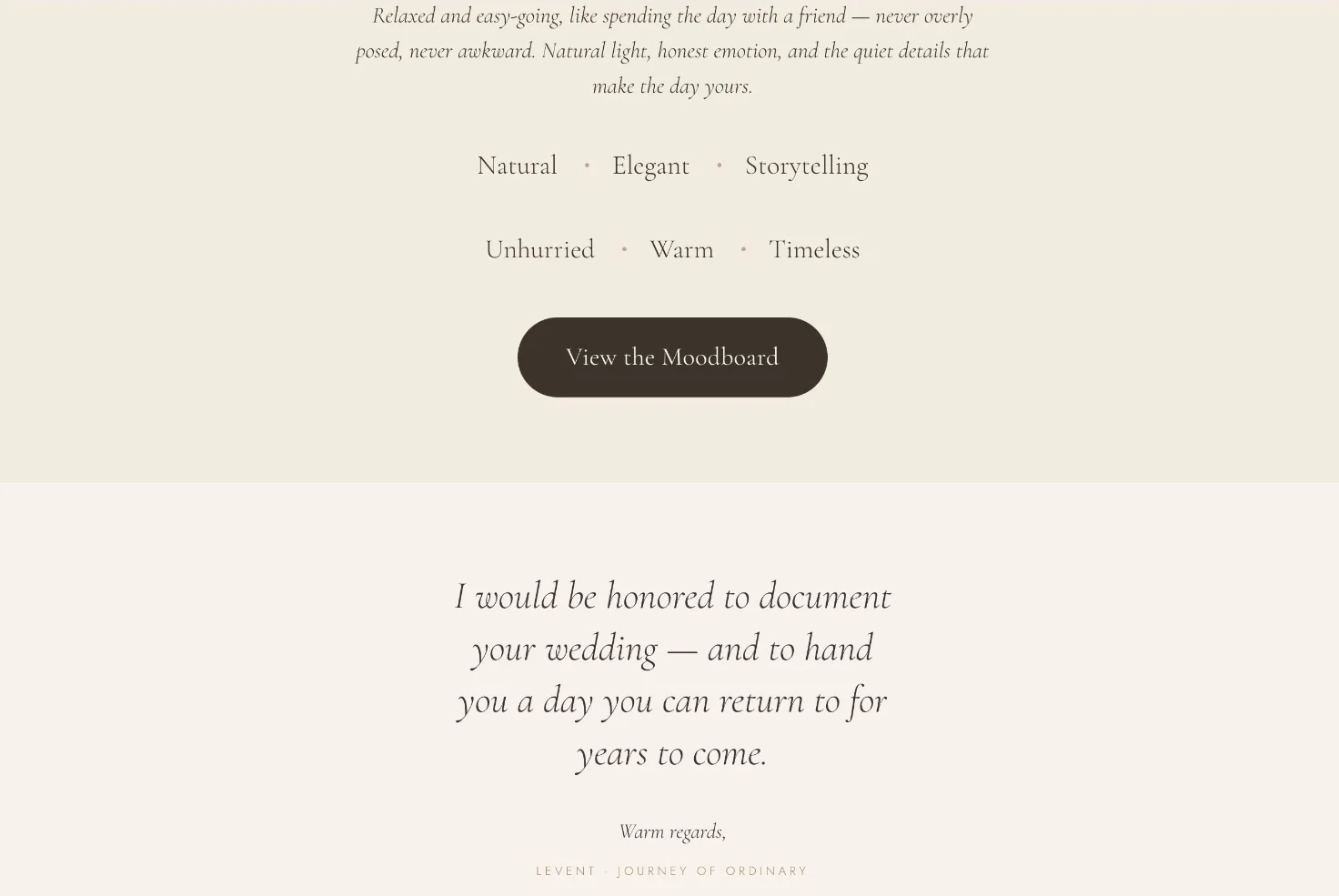
Ticking things off
A wedding plan is also a list of things to get done. The first couple's page has a shot list, for example, and you'd want to tick off each photo once you have it. That's where Levent still runs into a limit:
"When I create documents in an AI tool with check marks, the check marks don't appear in ShareMyPage. After I add a check mark there, I can't see it because it's not native to ShareMyPage. It's just HTML. I guess this is the problem."
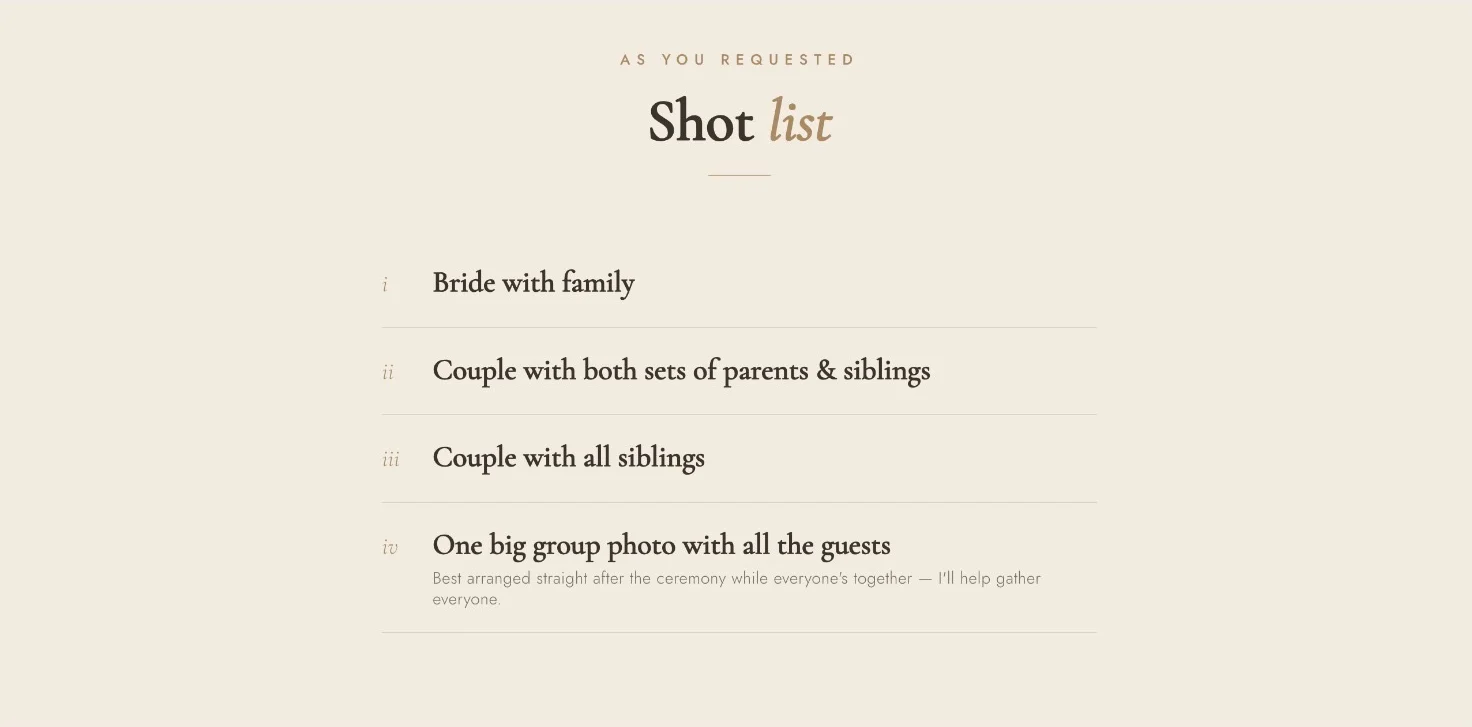
Levent's guess is right about plain HTML, which has nowhere to keep a tick. But a page on ShareMyPage doesn't have to be static. After that first page went up, we added a built-in checklist: one tag in the HTML, and a tick stays ticked for everyone who opens the page. The same goes for polls and forms, with no backend to set up. We haven't tried it on one of Levent's plans yet, and that shot list is where we'd start.
So if something beautiful is sitting in a chat window right now, it doesn't need a hosting plan. It needs a link.
Made something beautiful? Send it.
Publish it on ShareMyPage, share the link, and see when it's opened. Nothing to host, nothing to set up.